Bypassing BitLocker Without a Screwdriver: bitpixie and What You Can Do About It
Diese Seite ist auch auf Deutsch verfügbar.
BitLocker is always a topic in Windows client pentests. For full-disk encryption not to be easily bypassed, BitLocker must be configured securely.
There is in fact a vulnerability that can be used to bypass BitLocker without special hardware – and in principle anyone can exploit it. This post covers the bitpixie attack, why BitLocker’s default mode is vulnerable, and what you can do about it.
Table of Contents
BitLocker in TPM-only mode: convenient but vulnerable
By default, BitLocker runs in TPM-only mode. Decryption is transparent: no extra password is required; the TPM checks the environment and releases the key when everything looks “trusted.” That’s convenient for users.
The catch: almost all attacks on BitLocker target exactly this configuration. Without an extra hurdle before boot, an attacker can, under certain conditions, obtain the key.
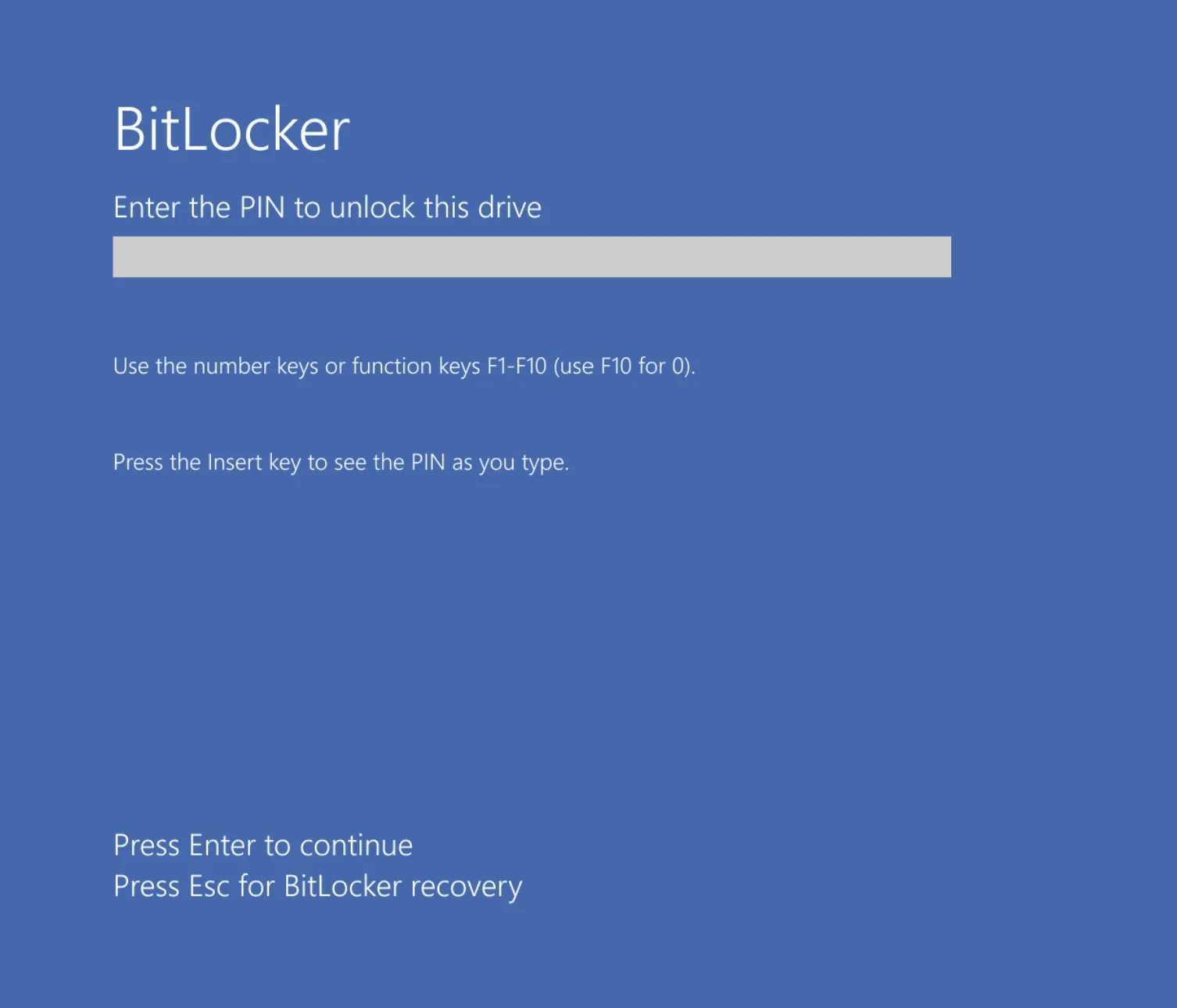
Pre-boot authentication (an additional BitLocker PIN before Windows starts) prevents most of these attacks. A BitLocker PIN is unpopular – but without it you need a very deliberate configuration to achieve similar protection.
The attack: bitpixie
A relatively recent and particularly relevant attack is bitpixie: it works regardless of hardware. No special adapters or physical access to the device is required.
In short:
- The attacker tricks the TPM into believing a trusted operating system is booting.
- The TPM releases the BitLocker key.
- The key can be read from memory.
That allows bypassing BitLocker under TPM-only conditions without opening the case. A detailed blog post that explains and lets you reproduce the attack is here:
BitLocker: Screwed without a screwdriver (Neodyme)
What you can do about it
Three main measures significantly reduce the risk:
1. Pre-boot authentication (BitLocker PIN)
Pre-boot authentication (an extra PIN before Windows starts) prevents the TPM from releasing the key without this second factor. That blocks most attacks that rely on “boot and grab the key” – including bitpixie in its typical form.
Without pre-boot authentication you are never fully safe from such scenarios – with a PIN you make it much harder for attackers.
2. Updates for Secure Boot signatures
Keep Secure Boot and its related signatures up to date. UEFI/BIOS and Windows updates often change the Secure Boot chain and the components that are measured. That makes it harder to mimic a “trusted” boot.
3. Adjust PCR validation profiles in BitLocker
This is the most technically interesting lever: PCR validation profiles define which components are integrity-checked before the TPM releases the BitLocker key. More components checked generally means more hurdles for attacks.
You can configure this via Group Policy:
- “Configure TPM platform validation profile for native UEFI firmware configurations”
In particular PCR 4 (MBR) matters: including it in validation protects against bitpixie. The recommendation is to enable these PCRs:
- 0, 2, 4, 7, and 11
That brings the boot code (MBR) into the chain of trust – exactly what attacks like bitpixie exploit when that component isn’t checked.
Summary
| Measure | Benefit |
|---|---|
| Pre-boot authentication (PIN) | Prevents most attacks where the TPM key is released without user interaction. |
| Secure Boot updates | Current signatures and boot chain make it harder to fake a trusted boot. |
| PCR validation (0, 2, 4, 7, 11) | Extends integrity checks (including MBR/PCR 4) and specifically protects against bitpixie. |
Without pre-boot authentication you are never fully secure – but with a PIN, current Secure Boot updates, and adjusted PCR validation profiles you make it much harder for attackers.
Have you ever had the security of your standard Windows client (including BitLocker configuration) tested in a pentest? We’re happy to discuss.
For questions on BitLocker, Windows clients, or pentests: contact VidraSec.
martin@vidrasec.com | +43 670 3081275 | +43 670 3081275 | Book appointment |